Add source
Upload an image or begin with a written scene idea.
 VexaMotion AI
Launch
VexaMotion AI
Launch
Image + prompt + motion
Build dynamic video clips from photos, written scene ideas, and AI-powered motion generation.
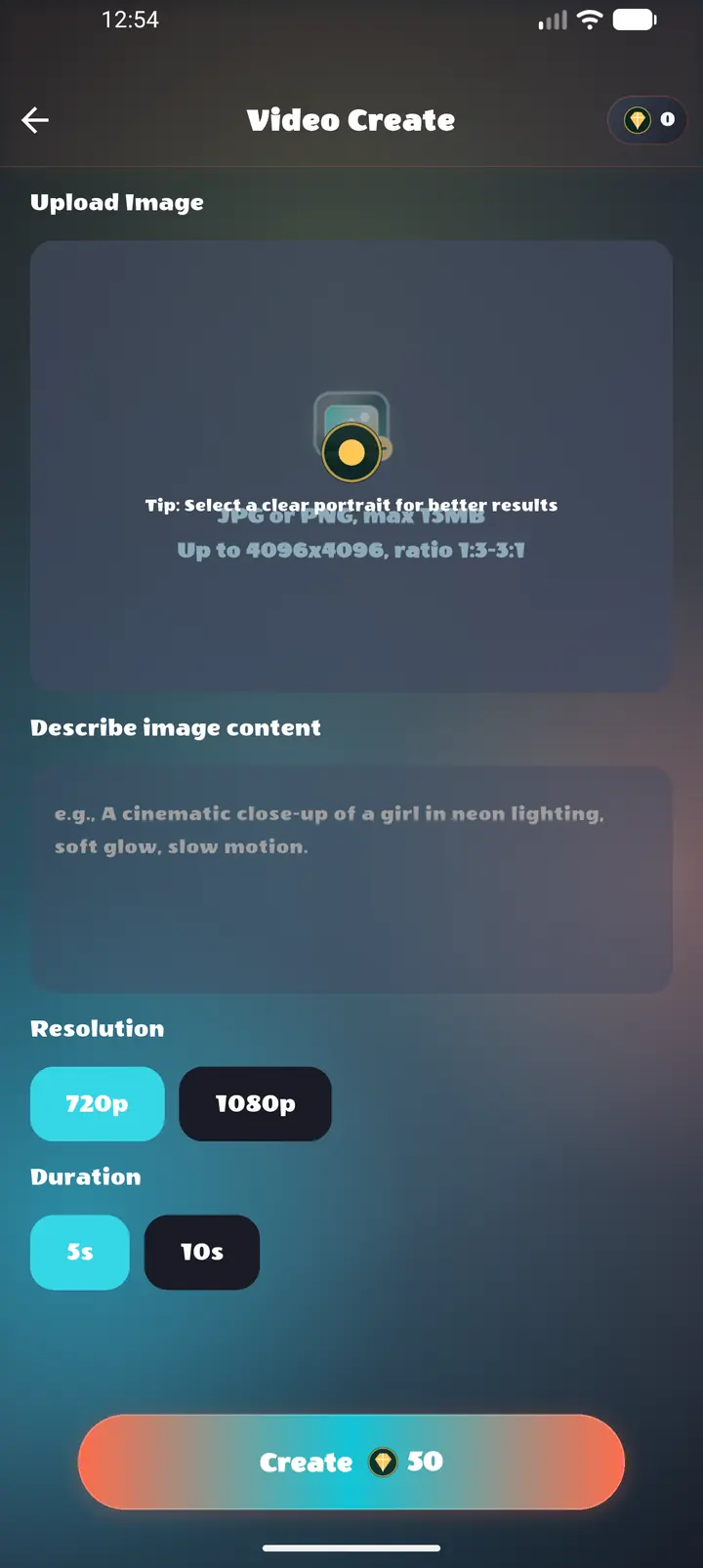
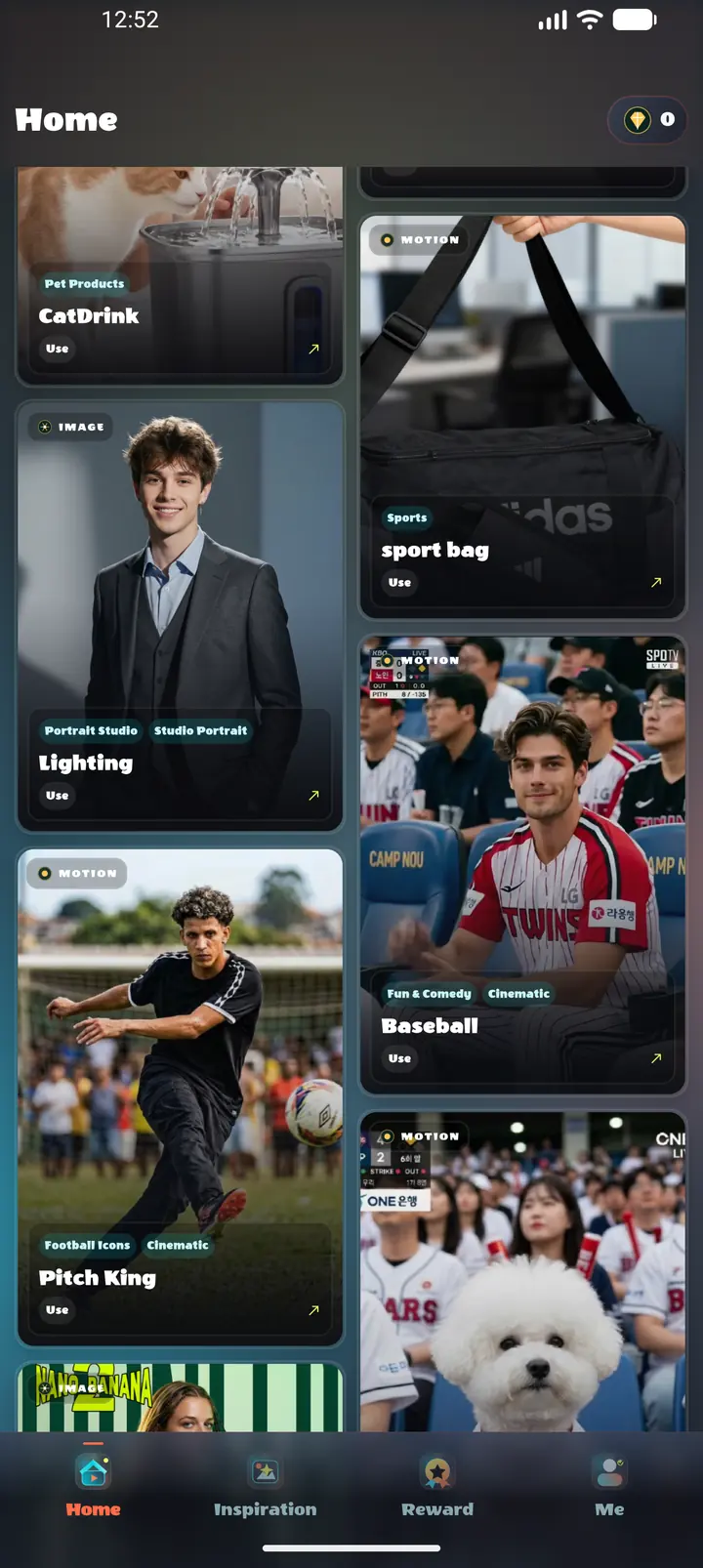
Creation desk
Start with a photo or a short description, then guide the scene idea, movement direction, and visual style until the result fits your creative draft.
Upload an image or begin with a written scene idea.
Use simple prompts to describe movement, camera feel, and mood.
Review the generated clip, save the keepers, and iterate fast.
What it does
Convert still images into short videos with guided motion.
Create videos from written ideas, scenes, and visual prompts.
Add movement direction through plain language controls.
Explore different visual styles for drafts and showcases.
Preview results and save completed videos to your device.
Inside the app
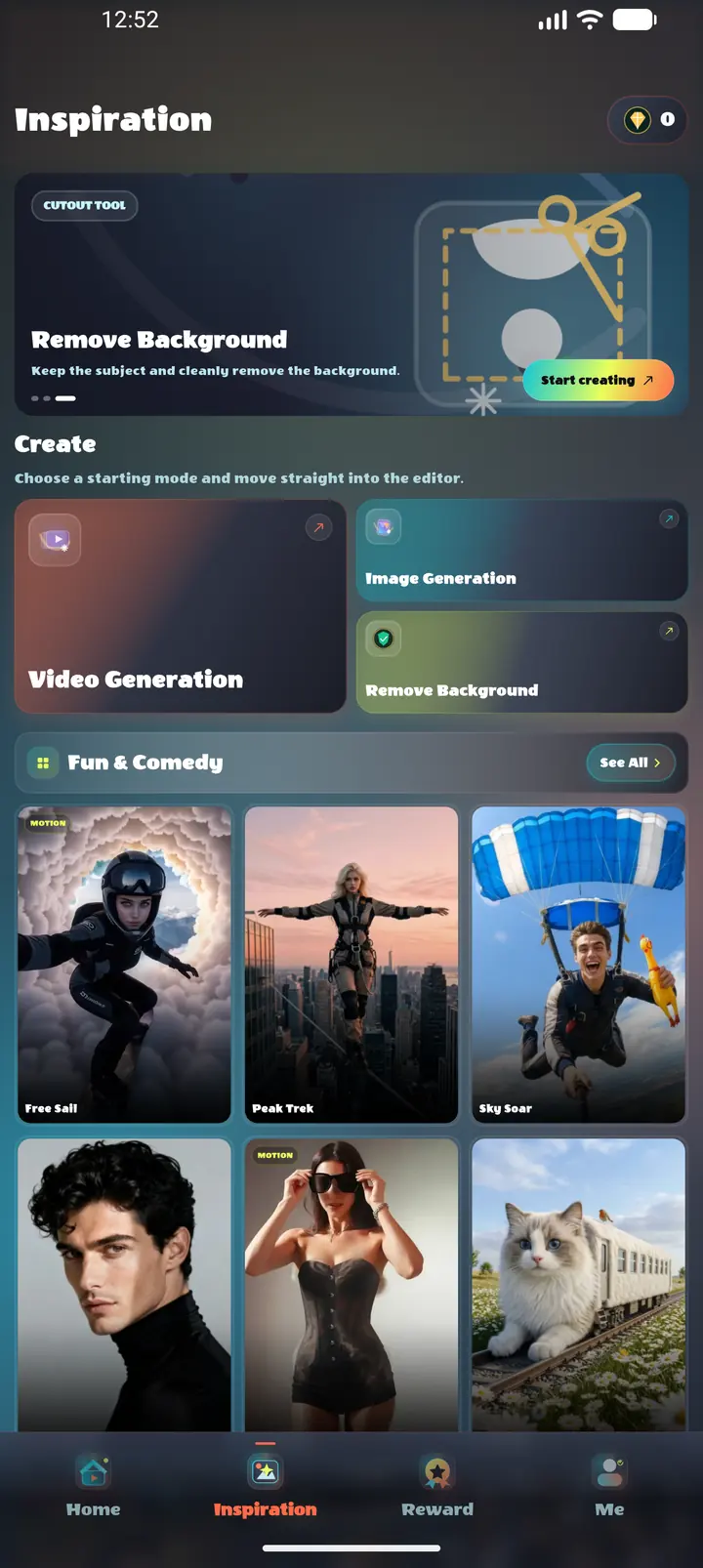
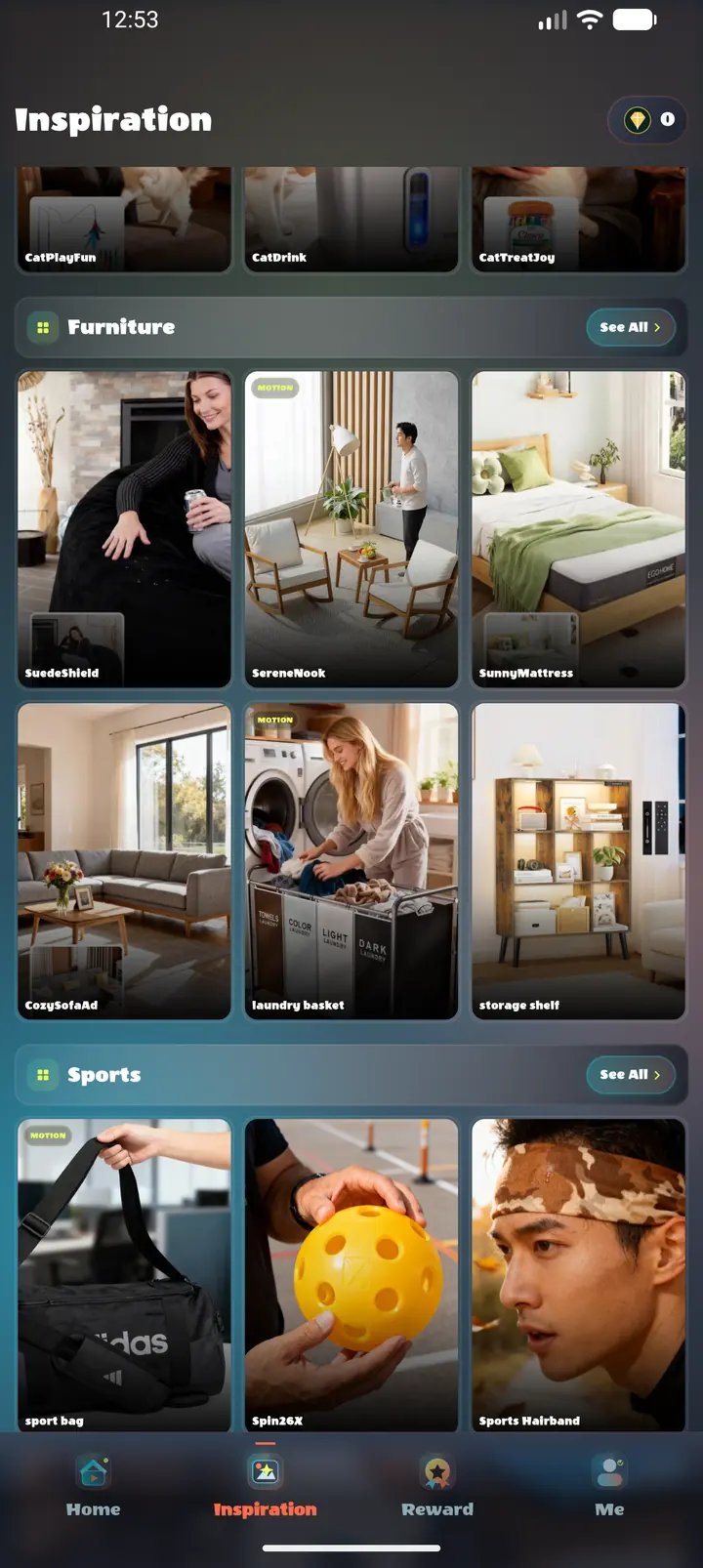
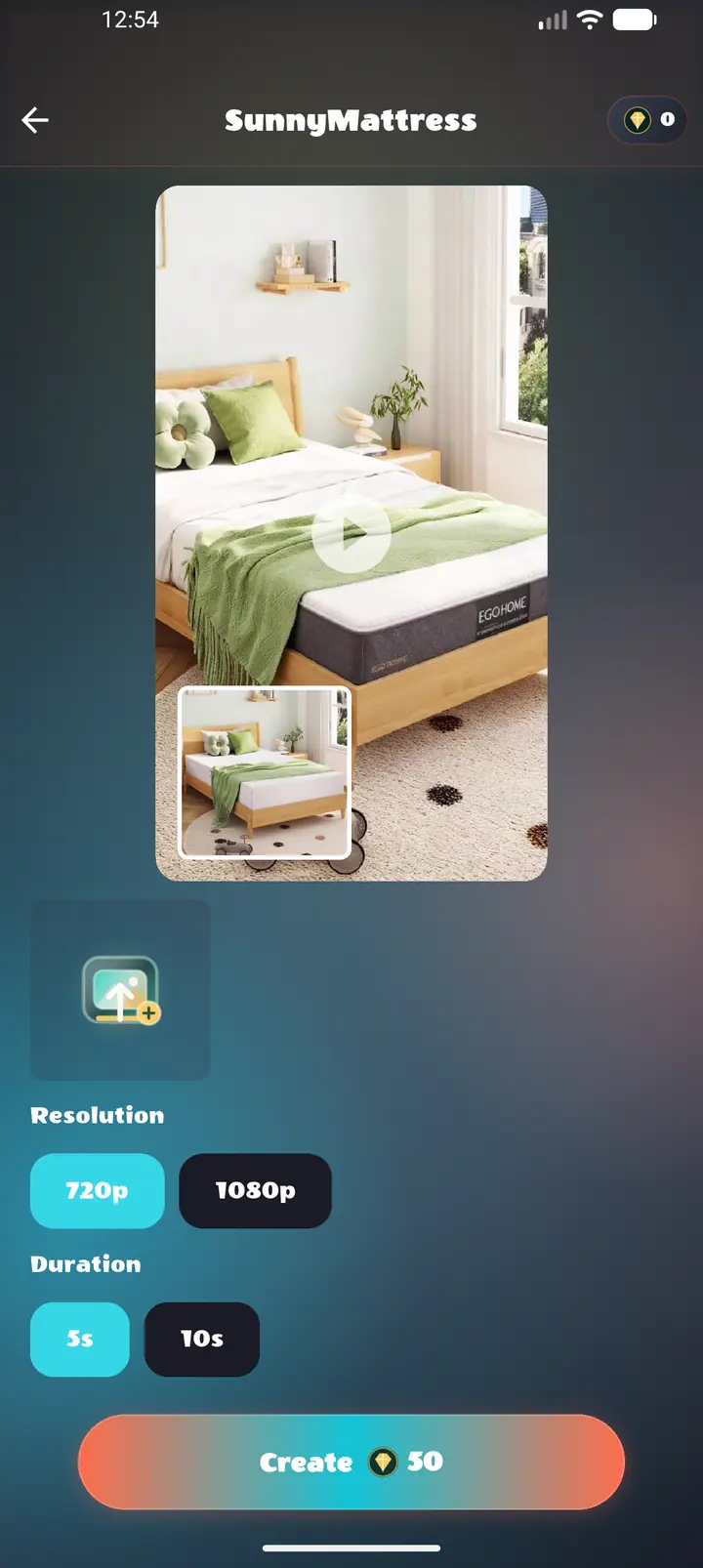
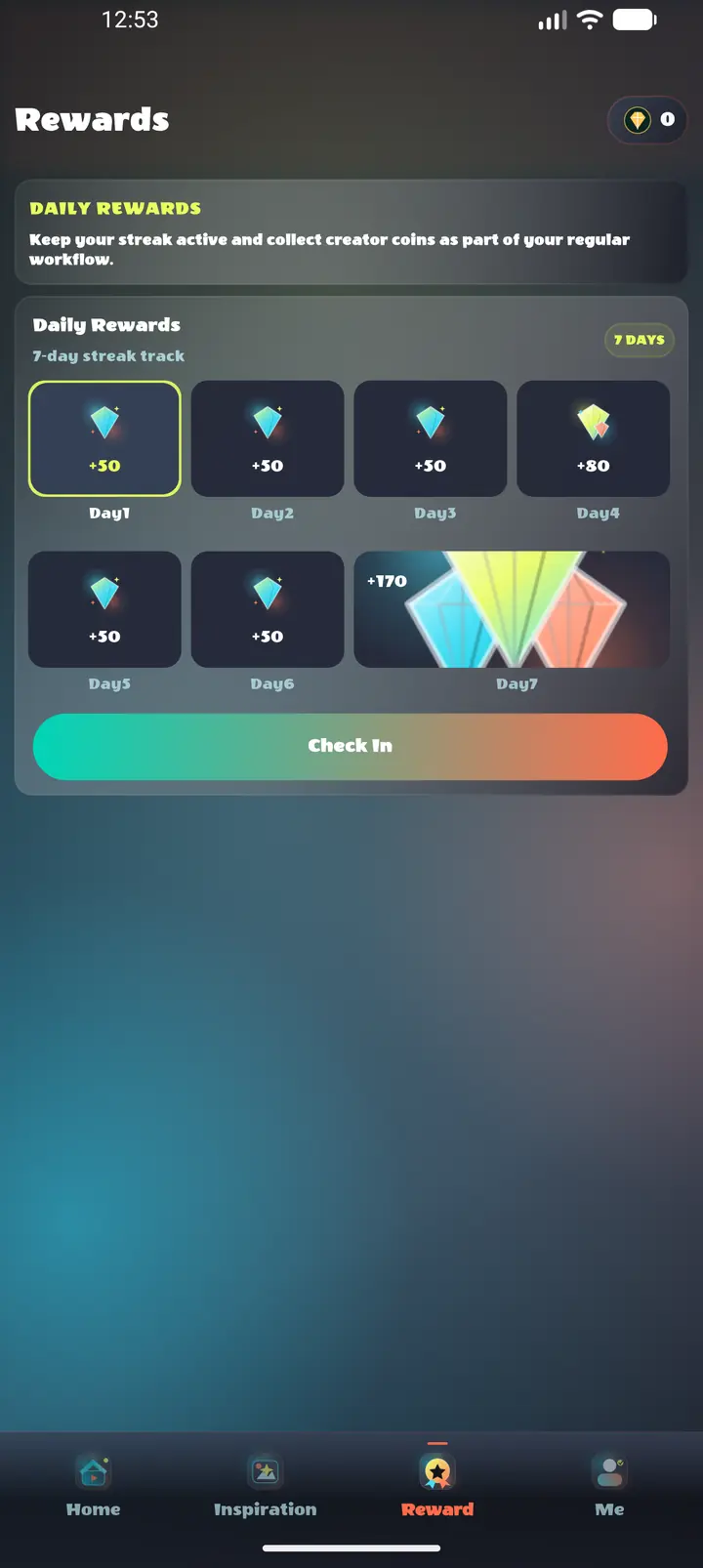
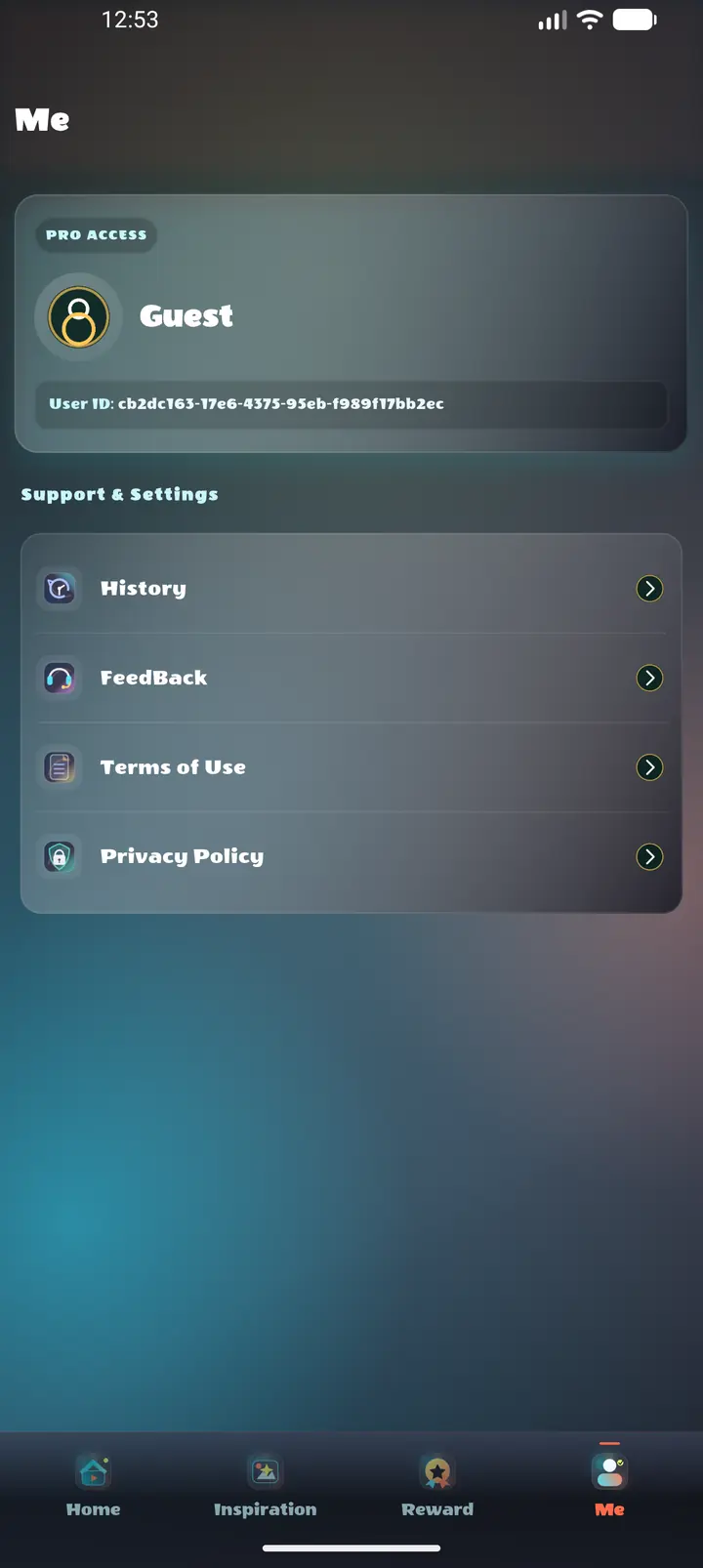
Ready for the next idea
VexaMotion AI is intended for lawful and responsible creative use. Only upload images, prompts, or materials that you own or have permission to use. Do not create or share content that infringes intellectual property rights, violates privacy or publicity rights, impersonates others, or breaks applicable laws.